Running Degree Audit
Degree Audit for a Single Student
-
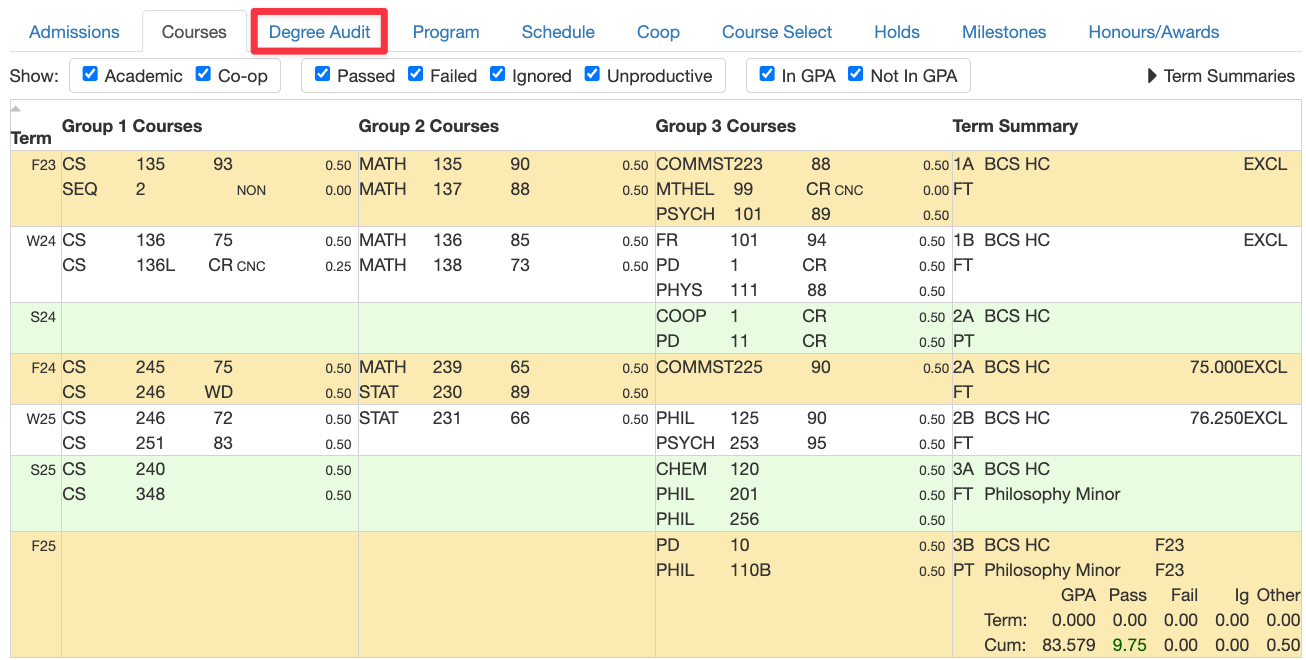
Display student on oat.uwaterloo.ca
-
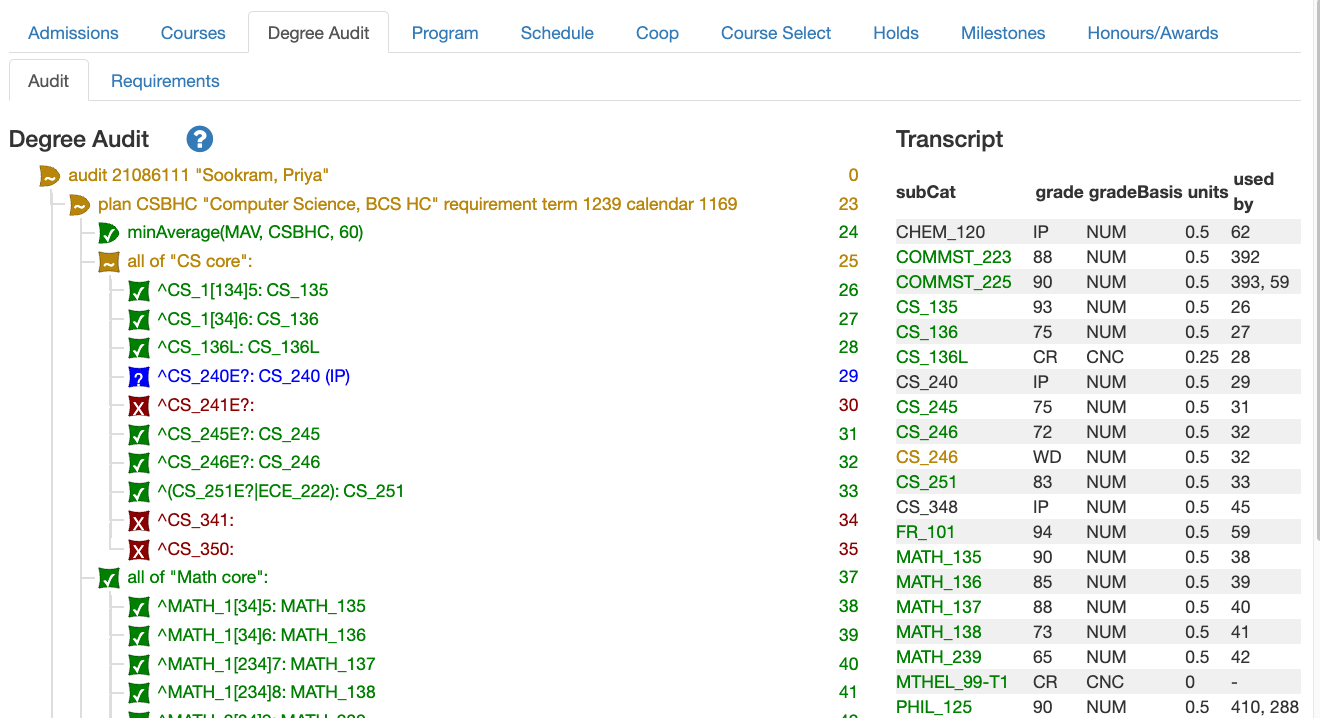
Navigate to the Degree Audit tab. The degree audit is usually generated pretty quickly but can take up to about 20 seconds. If it runs that long, an error message will be displayed.
Degree Audit for Multiple Students
Graduation checks typically require running degree audit for potentially many students. Typically, the Registrar’s Office will send a spreadsheet with a list of the relevant student IDs.
- If you don’t have the ability to run queries, talk to the appropriate person from the list of authorizers.
- Run query 369, Students with provided IDs. Copy and
paste the list of student IDs into the text area. They should be separated by commas or each on
their own line. Click the “View Results” button. In the resulting display,
click the “View in ASIS” button.
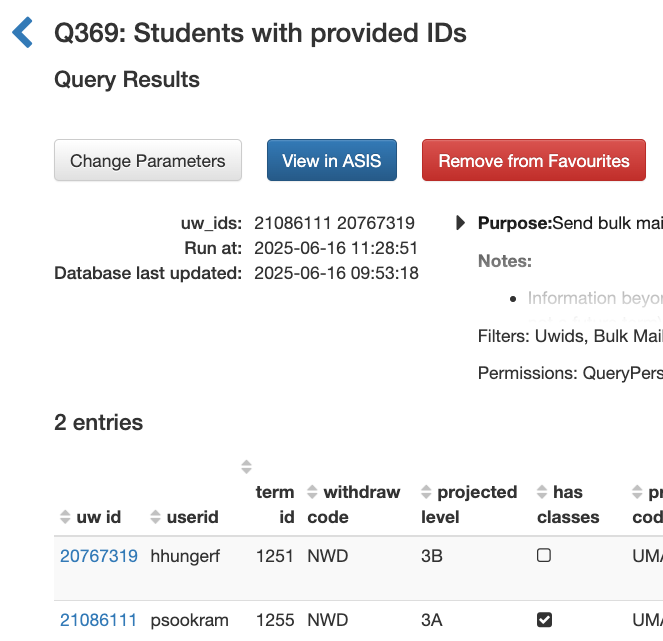
- You should be shown the first student in the list. Run the degree audit as if for a single student.
- When you’ve seen what you need to see, click the “next” button in the menu bar
to move to the next student.
