E2: Image Processing
Objective 1
Use morphological operations, thresholds, masks, and image arithmetic to isolate an object for a composite image.
-
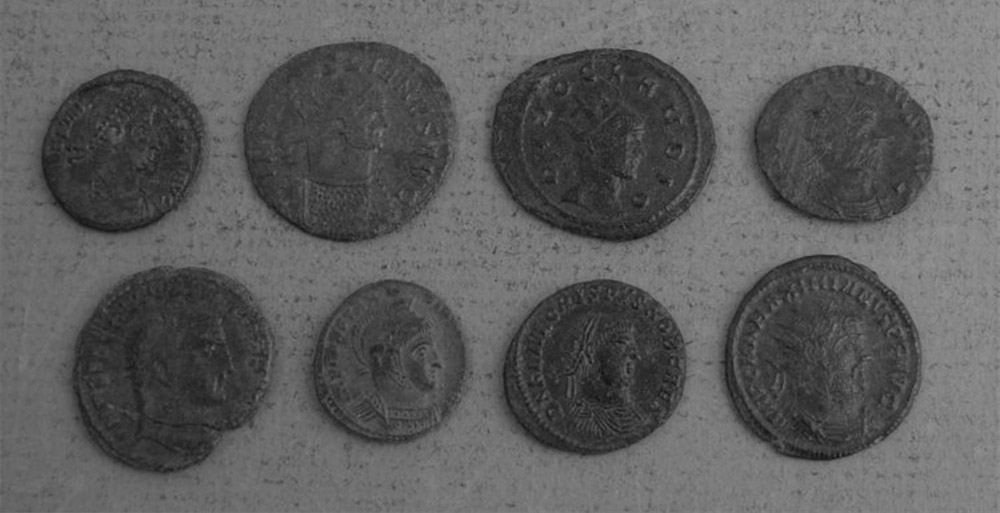
Apply a binary threshold to coins-bw.jpg, then use morphological operations to get a noise-free mask isolating the coins.
-
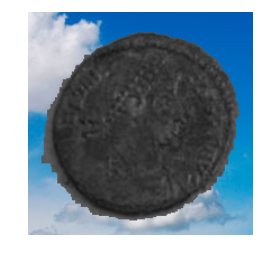
Create a ROI to display only the coin at the upper left (just tweak the x and y ranges by hand).
-
Load another image of your choosing to use as a background.
-
Composite the single coin onto the background image.
Objective 2
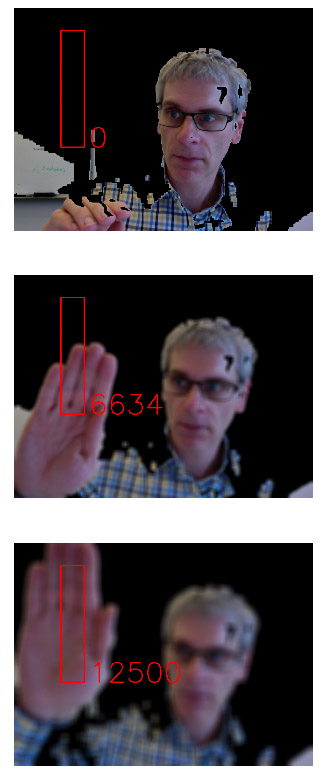
Change the image processing demo from class to control the amount of blur according to how much of a box area is covered by the threshold mask.
-
Add code to the class demo to draw a box.
-
Using a function like
numpy.count_nonzeroto count the number of mask pixels in the box. -
Blur the video frame according to the ratio of mask pixels.
Submit
Follow the submission instructions on the course information page. Include your code and at least one frame capture from each objective that clearly shows everything was working. In your solution notes, write about any problems you ran into, and the main resource(s) you used (blog posts, online tutorials, stackoverflow posts, papers, textbooks, etc.). These resources should include brief descriptions of what the resource is and how it helped you. The writeup can be short, bullet points are recommended.
You must combine your code, screen captures, and notes together into a single PDF. The best way to do this is by doing everything in a single Jupyter notebook using markdown cells for your notes and inline images for your output. Then just export as PDF.